
Dice Goblin
A mobile-first companion app for tabletop RPGs, built to make a character sheet you can actually play from your phone.
It started from passion and a problem. During the pandemic I was playing more and more RPGs virtually, many of us on mobile. The same frustrations kept surfacing: pinch‑zooming constantly, controls too small to tap, clunky navigation mid‑combat, and a general lack of features.
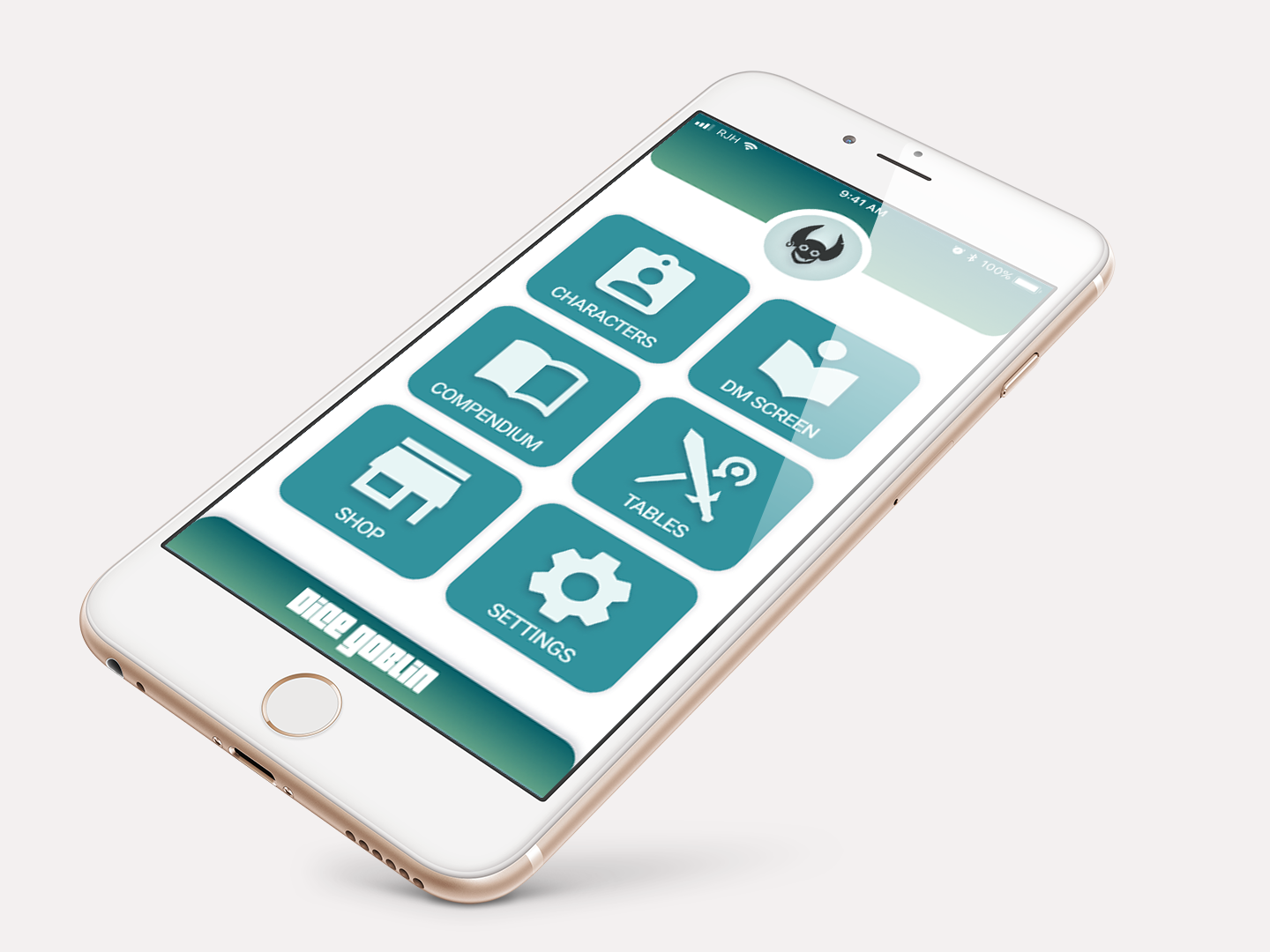
Designed in 2021, all of it
by hand.
When Dice Goblin was built, Figma hadn't yet shipped the features designers now take for granted. There were no variables, no sections, no auto layout, and no smart animate. Every screen, state, and spacing decision was placed and kept consistent manually, and the prototype was stitched together frame by frame, a useful reminder of how much craft these tools quietly carry today.
Existing hobby tools gave you a sheet you fought against, not with.
Virtual tabletop tools at the time treated a phone like a shrunken desktop. Gathering requirements for the project started at my own table
“Roy, you're a UI designer, how come this is so terrible, and why haven't you fixed it?”
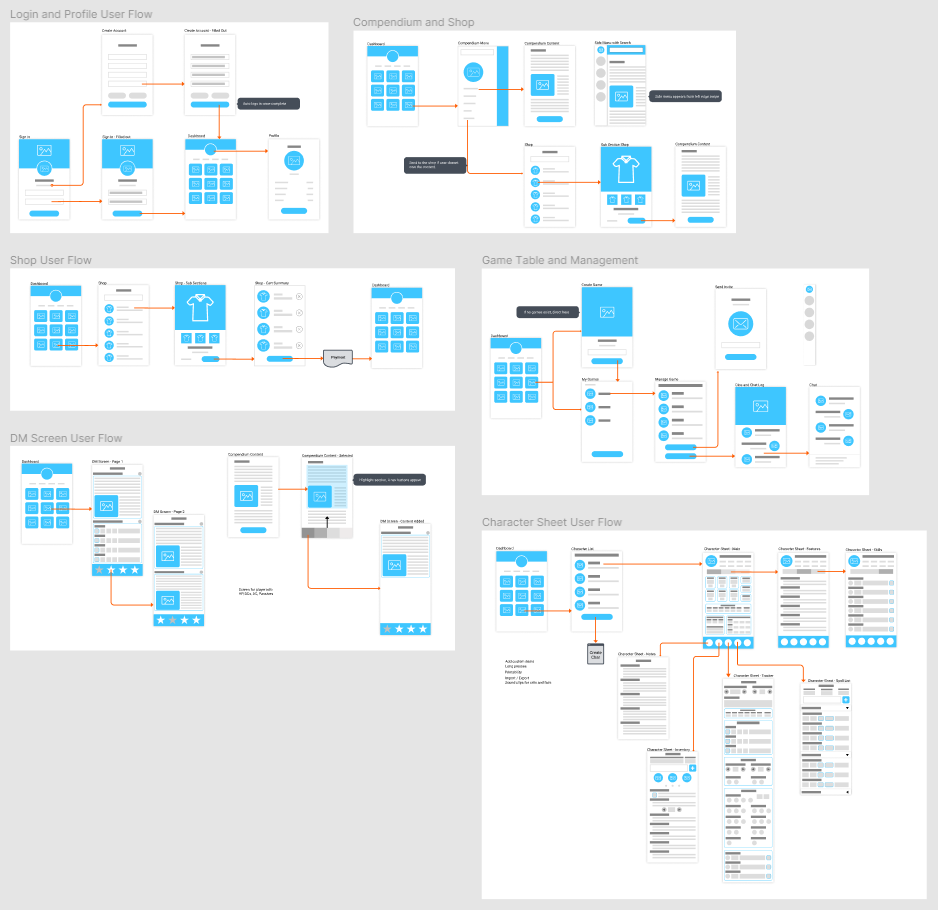
The All‑In‑One Combat Tracker
Combat was the hardest problem. In a fight, you reference many scattered parts of your sheet in rapid succession, and that's exactly where the constant scrolling and zooming hurt most.
So I designed a tracker you assemble yourself. Pin what you need: weapons, key stats, spell slots, conditions, the features you keep forgetting, all bookmarked from anywhere in the sheet and gathered into one fast, touch‑friendly screen.
A digital DM Screen.
Players constantly leave their sheet to look up rules relevant to their character, searching for the same things over and over. Tabletop solved this physically long ago: the DM screen, where a GM pins the names, stats, rules and tables they reference most.
So I rebuilt that habit in the app. Tap the bookmark on any rule you're reading and send it straight to your DM Screen, fast, personal reference, always one tap away.
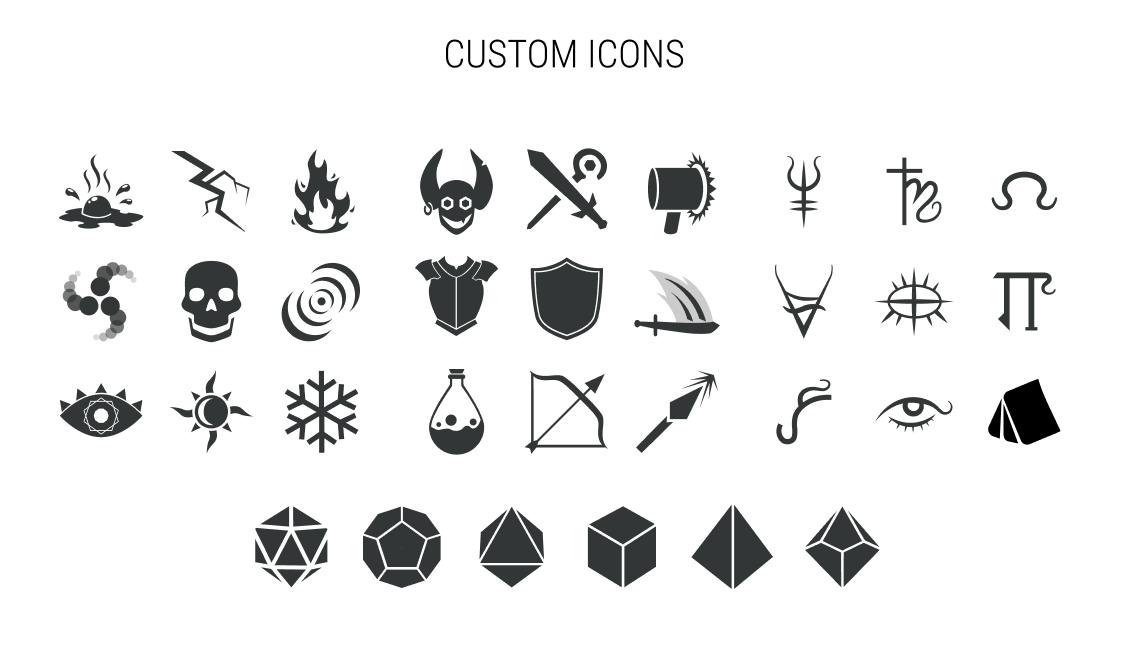
A custom icon set, drawn for the hobby.
An app tailored this closely to a hobby needs visuals built for it. Damage types, conditions, gear, schools of magic, dice and more. Every icon here is an original, drawn specifically for Dice Goblin so the language of the game reads instantly at a glance.
Fire, ice, and lightning are all recognizable, but have you ever tried to come up with "force" damage as an icon? How about distinguishing poison vs. acid without using a radiation symbol or them both being the same thing. And you can't use a skull either. You need that for necrotic damage.
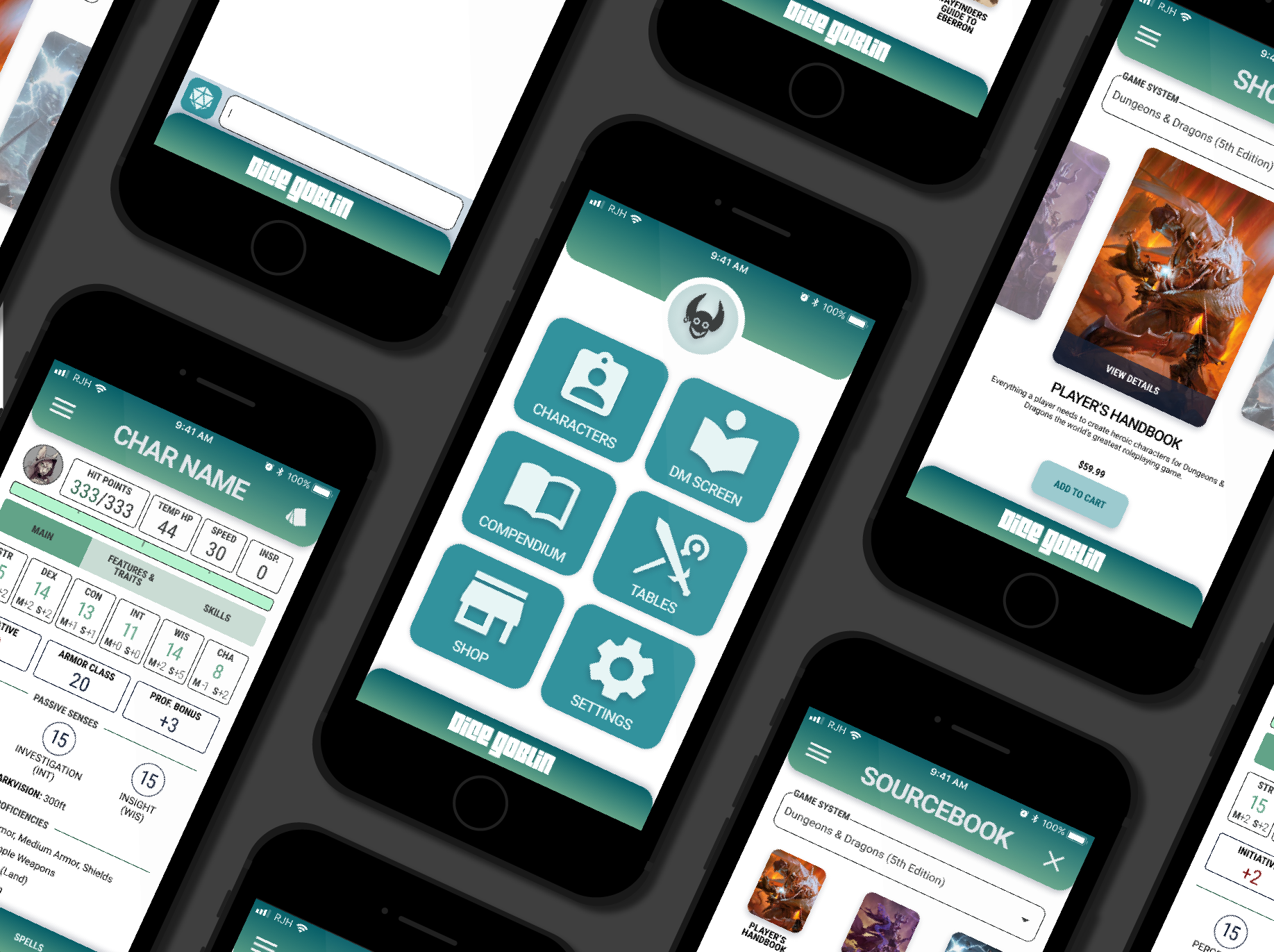
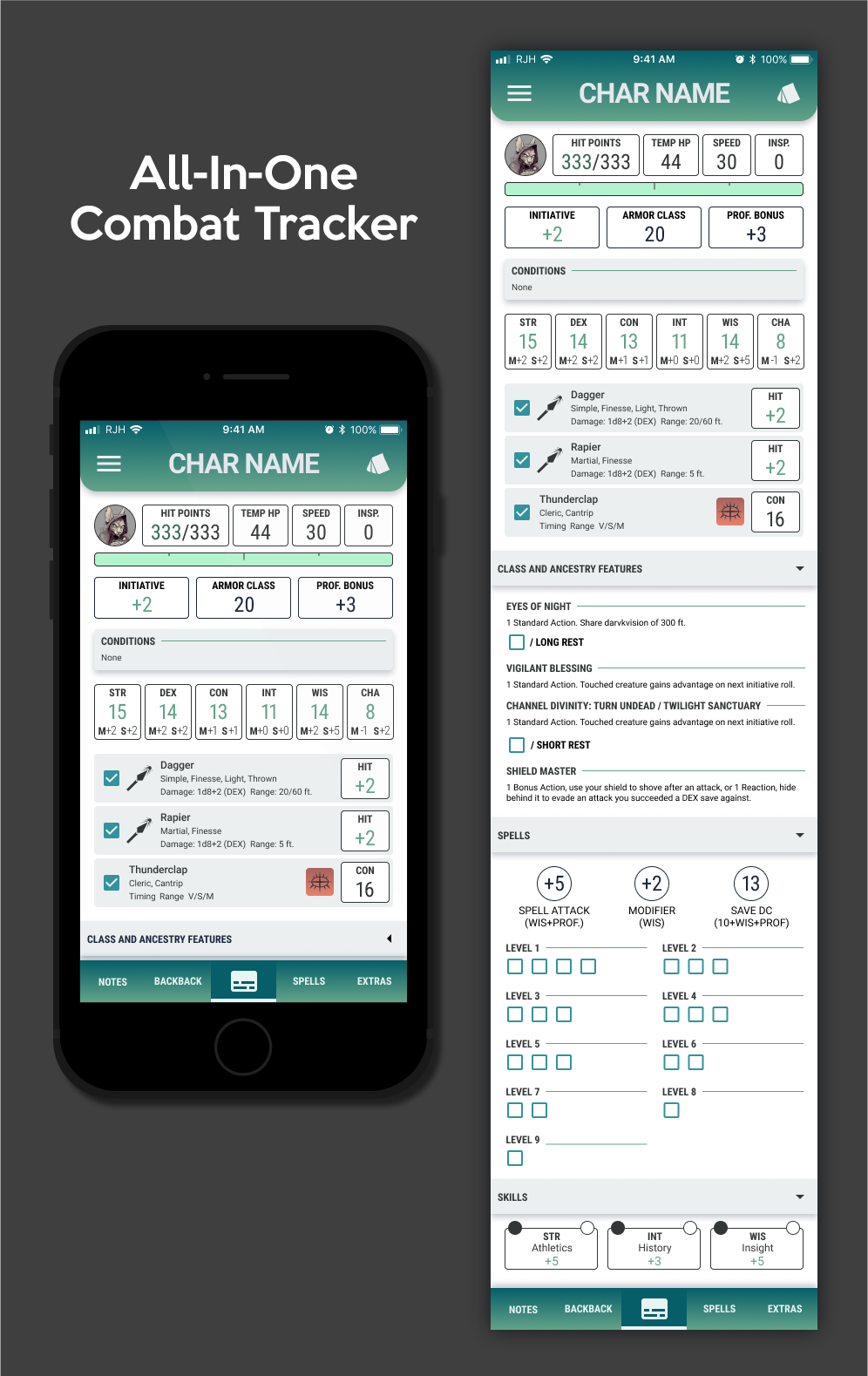
From frustration at the table, to a sheet you can play with.
Dice Goblin pulls characters, compendium, shop, game table and DM screen into one coherent, touch‑first system, proof that the friction of mobile RPG play was a design problem all along, not a fact of the format. The full flow lives in an interactive Figma prototype.
It turns out the only brief I needed was a friend calling my hobby's tools terrible. With known constraints and details, a real frustration, and the design knowledge needed in hand, I was able to build out a favorite piece.
The legal implications of how this app would live would make it near impossible to bring to market. It will remain a fever dream and totally not a custom built app that only gets shared around to my friends